

Introduction
Running ads but not getting results? You’re not alone. Most businesses jump into paid ads expecting leads, bookings, or sales — but end up wasting budget instead.
Here’s the truth: Your ads are not the problem. Your website is.
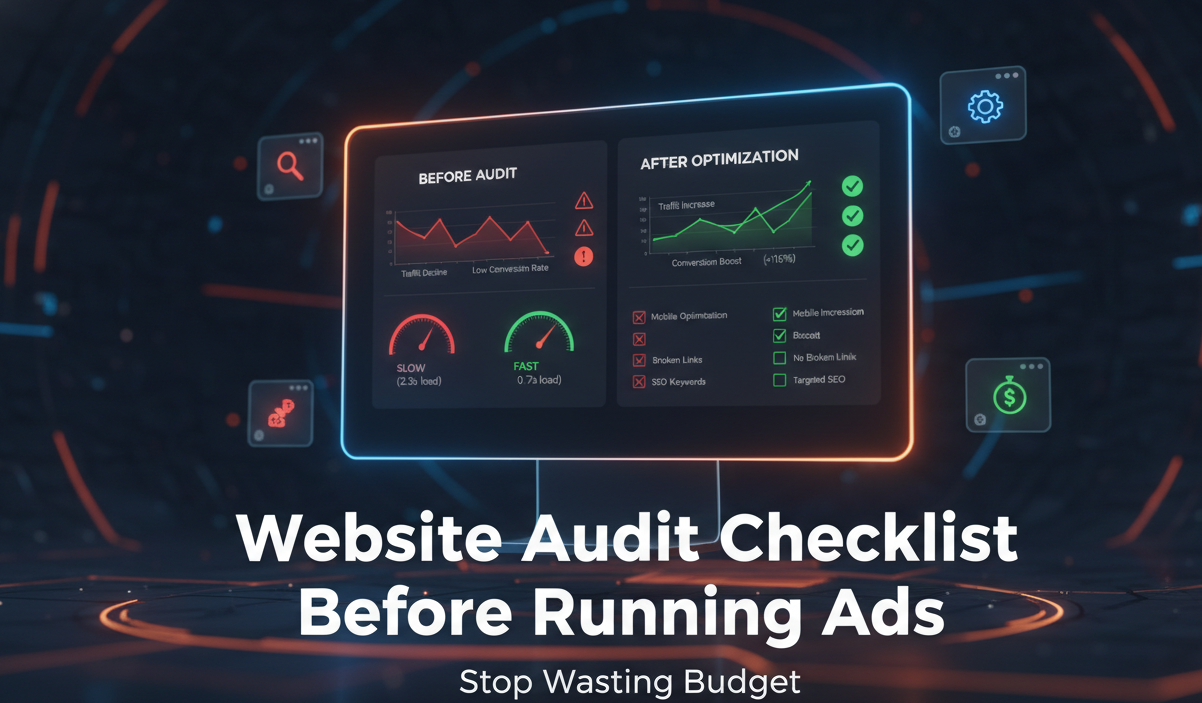
Before you spend another rupee on ads, you need to fix what happens after the click. This guide gives you a complete website audit checklist before running ads so you can stop wasting budget and start converting visitors into customers.
Why You Should Audit Your Website Before Running Ads
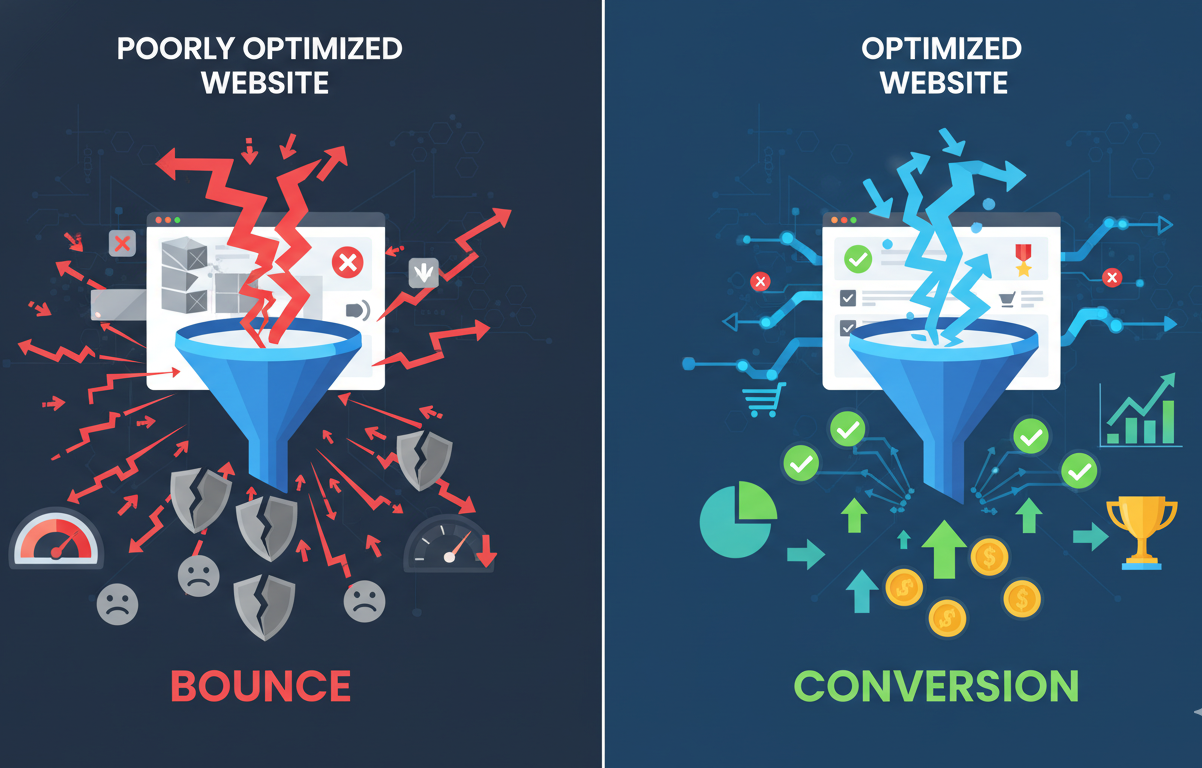
Think of ads as traffic. Now imagine sending that traffic to: A slow website, a confusing layout, or no clear call-to-action. What happens? Visitors leave. You lose money. You blame ads. But the real issue is conversion, not traffic.
A proper website audit ensures: Better user experience, higher conversion rates, and lower cost per lead.
Website Audit Checklist (Fix This First)
Use this checklist before running any ads:
1. Clear Value Proposition (Above the Fold)
When someone lands on your website, they should instantly understand: What you offer, Who it’s for, and Why they should care.
Bad example: “Welcome to our website”
Better example: “Increase Your Hotel Bookings with Proven Revenue Strategies”
If this is unclear, users leave within seconds.
2. Strong Call-to-Action (CTA)
Your website must tell users exactly what to do next: Book Now, Get a Free Audit, Contact Us, Request a Demo. Place CTAs: At the top, Mid content, and End of page.
3. Website Speed
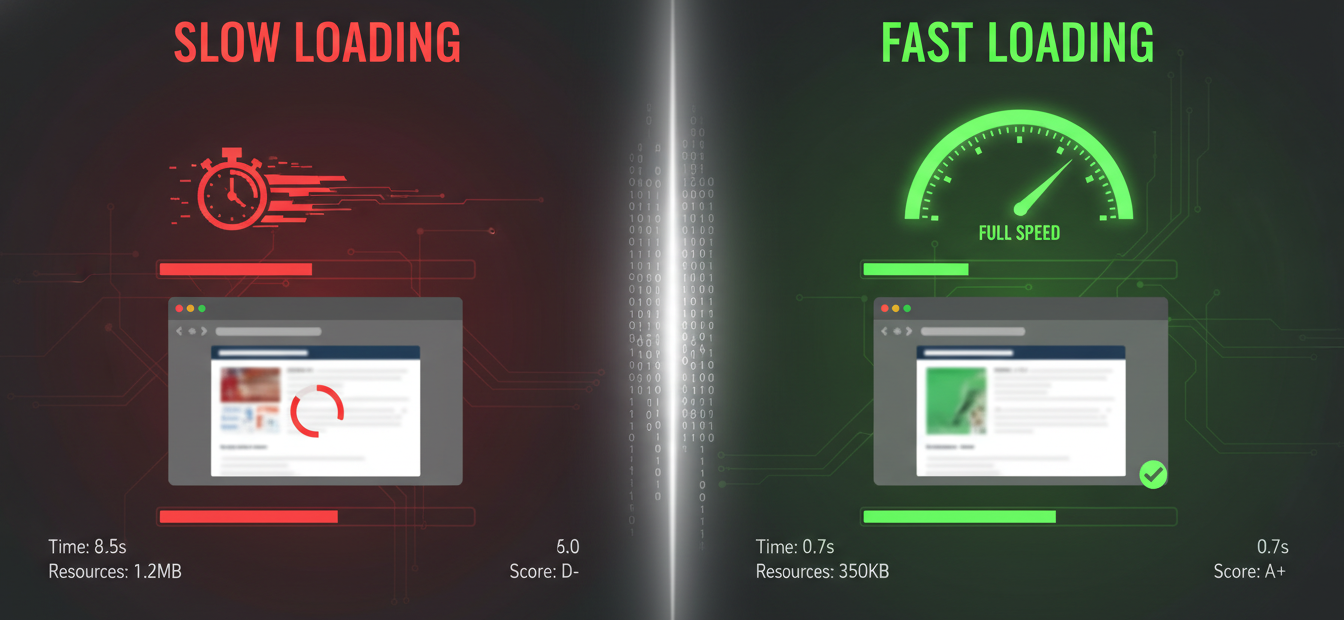
If your site takes more than 3 seconds to load, you’re losing users. Check: Image size, Hosting performance, and Unnecessary scripts. A faster website leads to better conversions and improved ad performance.
4. Mobile Optimization
More than 70% of users come from mobile devices. Check: Is the text readable? Are buttons easy to click? Does the site load properly? If your mobile experience is poor, your ads will not perform well.
5. Landing Page Relevance
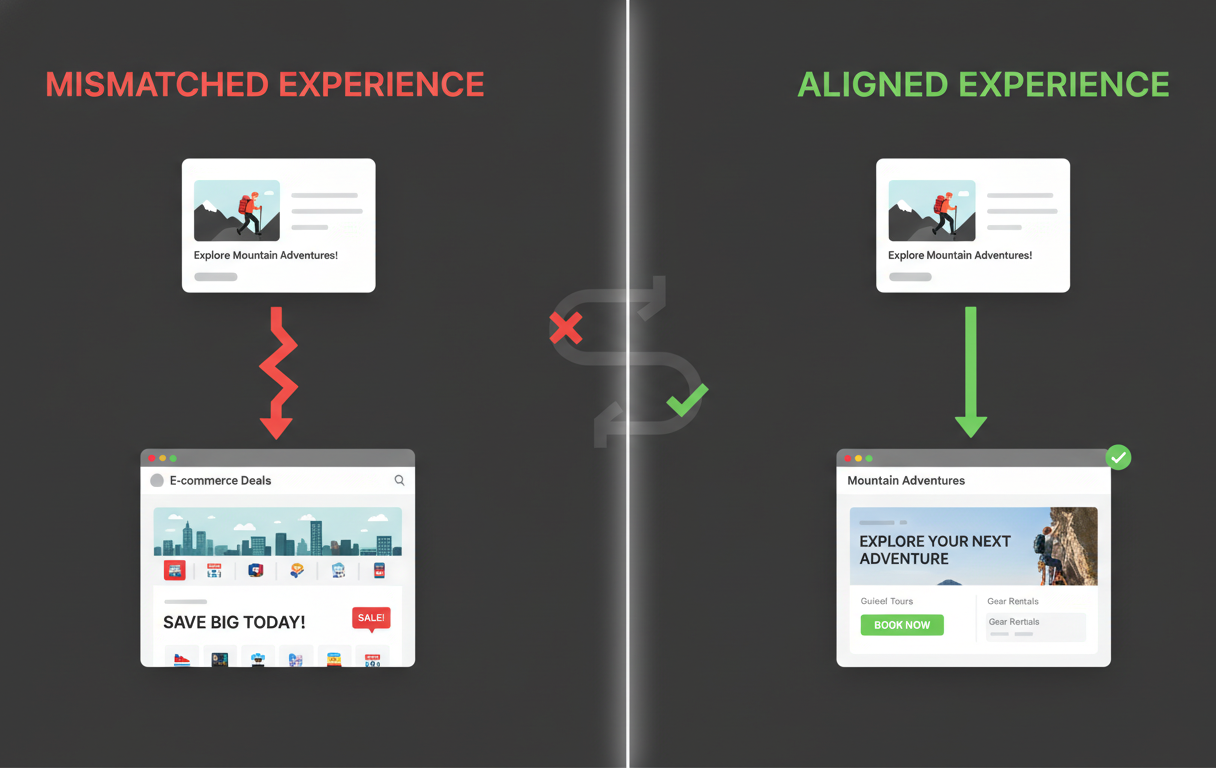
Your ad and landing page must match. Example: Ad says “Get Free Website Audit”, Landing page shows “Our Services”. Mismatch leads to lower conversions. Aligned messaging builds trust and improves results.
6. Trust Elements
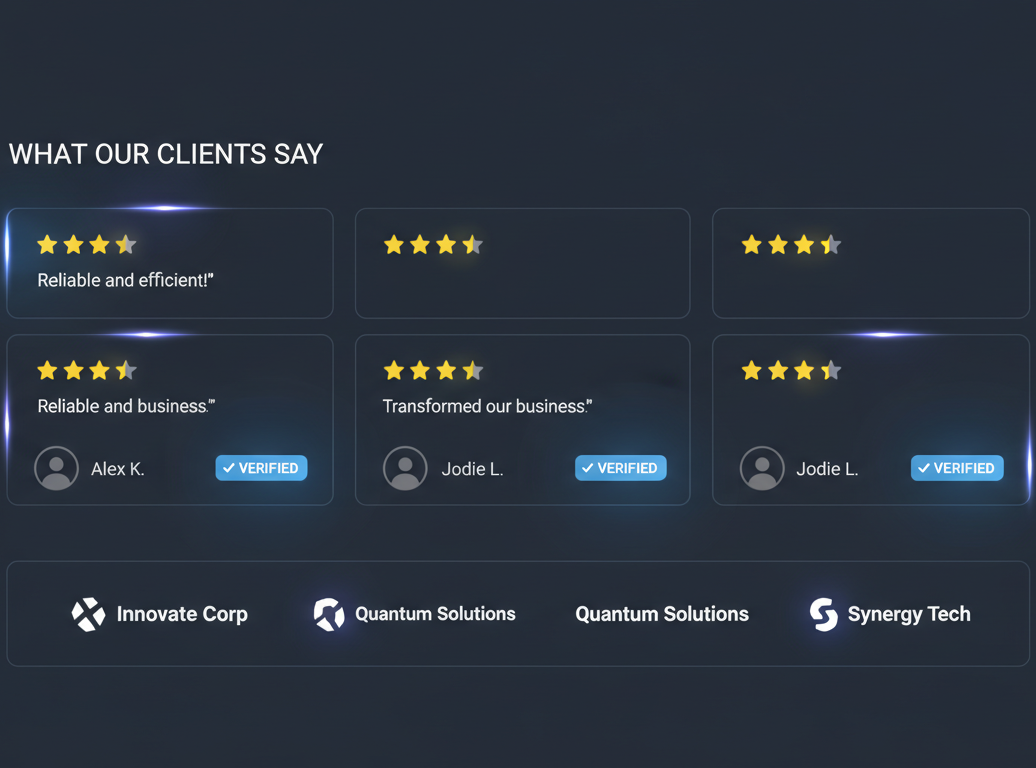
Users will not convert if they don’t trust you. Add: Client logos, Testimonials, Case studies, and Google reviews. Social proof directly impacts conversion rates.
7. Simple Navigation
If users cannot find what they need quickly, they leave. Fix: Too many menu options, Confusing structure, and Hidden pages. Keep navigation clean and intuitive.
8. Contact Accessibility
Make it easy for users to reach you: Display phone number clearly, add a WhatsApp button, and use a simple contact form. The easier it is to contact you, the more leads you generate.
9. Conversion Tracking Setup
Before running ads, ensure: Google Analytics is installed, Conversion tracking is configured, and Key actions (form fills, clicks) are tracked. Without tracking, you cannot measure performance.
10. No Distractions
Remove: Excessive popups, Too many competing offers, and Unnecessary animations. Each page should have one clear goal.
Common Reasons Why Ads Are Not Converting
If your ads are not performing, common reasons include: Slow website, No clear CTA, Poor mobile experience, Weak landing page, and Lack of trust elements. Fixing these issues often improves ad performance significantly.
How to Improve Your Website Conversion Rate
Apply these quick improvements: Add a strong headline above the fold, Use real images instead of generic stock photos, Focus on benefits rather than features, Reduce the number of form fields, and Add urgency where relevant.
Quick Self-Test: Is Your Website Ready for Ads?
Ask yourself: Can a visitor understand my offer in 5 seconds? Is there a clear call-to-action? Does my site load quickly? Is it mobile-friendly? Do I have trust elements? If the answer is no to even two of these, fix your website before running ads.
Final Checklist Before You Launch Ads
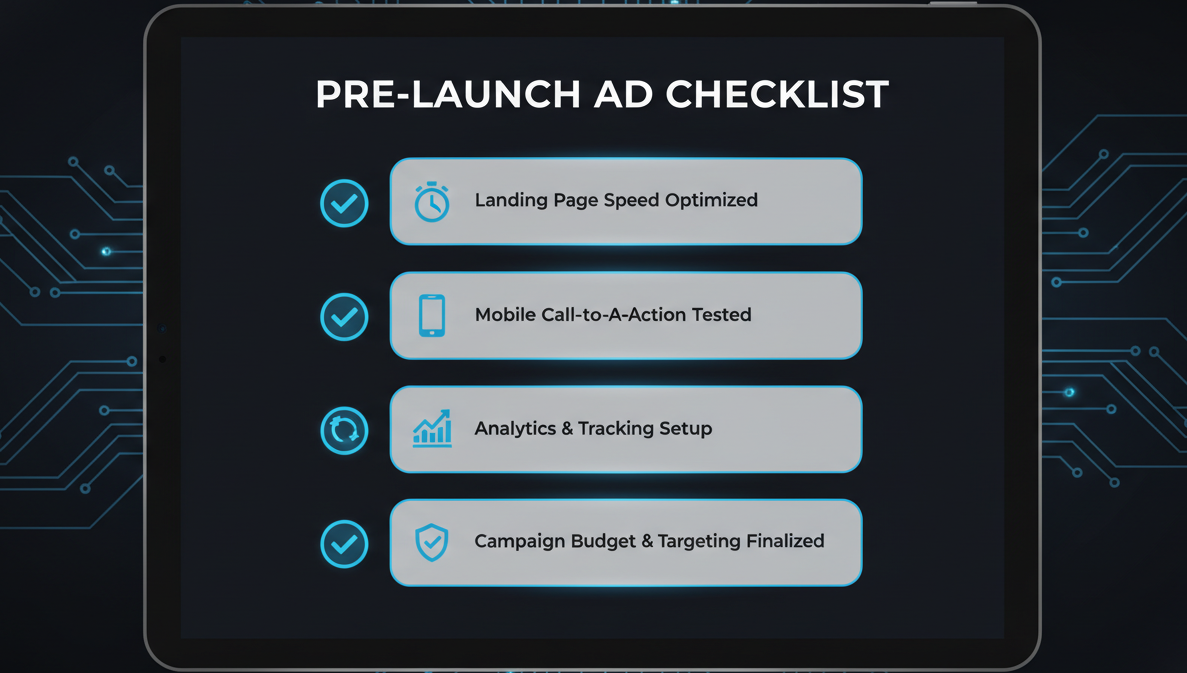
Before you start ads, confirm:
- Website loads in under 3 seconds
- Clear headline and value proposition
- Strong CTAs in multiple sections
- Fully mobile optimized
- Landing page matches ad intent
- Trust elements are present
- Tracking is properly set up
Conclusion
Ads do not fail. Unoptimized websites do. If you skip this website audit checklist before running ads, you are not investing — you are risking your budget. Fix your website first. Then run ads. That is how you achieve consistent results.
Want a Professional Website Audit?
If you are unsure about your website’s performance, consider getting a professional audit to identify exactly what is affecting your conversions. Fix the gaps before you scale your ads.
Request Free Audit